漏洞监测预警
漏洞监测预警
漏洞监测预警
前言:
1
甲方修复漏洞数据源不统一,依赖社交环境同步漏洞信息;可能造成时间差或遗漏
安装:
技术预研 -> https://github.com/CVEProject/cvelistV5/tree/main/cves -> OpenCVE -> Docker部署
OpenCVE
官方安装文档:
部署文档
配置说明:
- OS: Debian 11/12 or equivalent (also tested on similar Linux distributions)
- Docker: v25.0.x or later with the Docker Compose V2 plugin (
docker compose) - Git: required only to clone the repository (not used by
install.shitself) - User: a user with permission to run Docker (root or member of the
dockergroup) - Hardware: 4 cores, 4 GB RAM minimum; ~25–30 GB disk space
修改:
POSTGRES_PASSWORD_AIRFLOW_WWW_USER_USERNAME_AIRFLOW_WWW_USER_PASSWORDAIRFLOW__CORE__FERNET_KEY
1
2
3
4
5
6
7
8
9
10
11
git clone https://github.com/opencve/opencve.git
cd opencve/docker

./install.sh prepare    # default: master branch

# edit docker/.env and web/opencve/conf/.env (passwords)

./install.sh start      # ~30-60 min

# OpenCVE → http://localhost:80
# Airflow → http://localhost:8080
使用:
通过API 查询,基于时间维度,爬取一周、一个月,关联内部资产。
涉及命令:
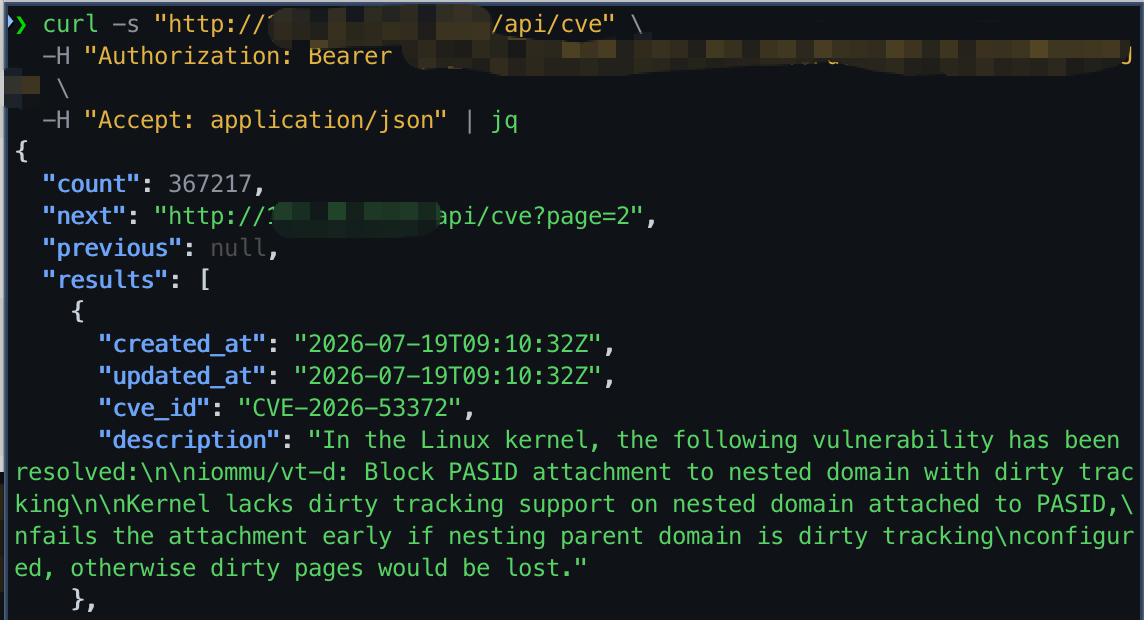
(1) 根据CVE:1 2 3
curl -s "http://xxxxxx/api/cve" \ -H "Authorization: Bearer xxxxxxxxx" \ -H "Accept: application/json" | jq
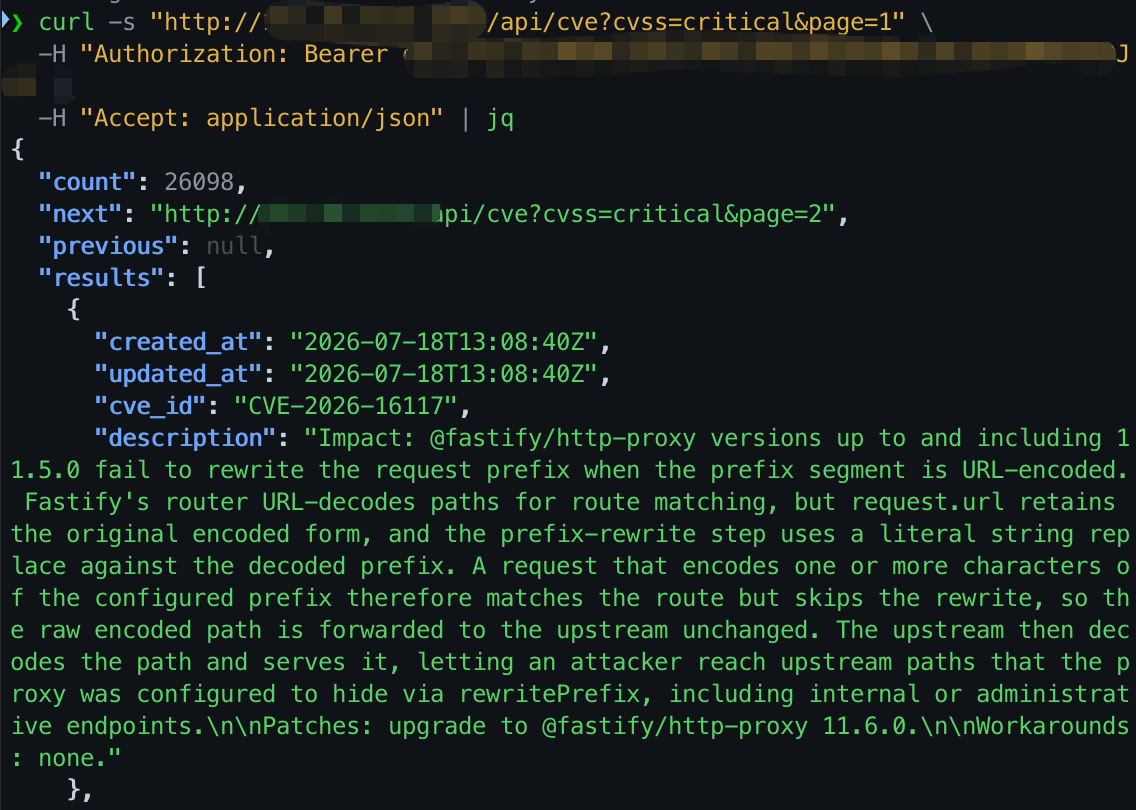
(2) 根据漏洞等级:
1
2
3
curl -s "http://xxxxxxxxx/api/cve?cvss=critical&page=1" \
  -H "Authorization: Bearer xxxxxxxxxxxxxxxx" \
  -H "Accept: application/json" | jq
使用OpenCVE 自带订阅功能,实现内部资产风险告警。
根据厂商/项目

This post is licensed under CC BY 4.0 by the author.